
Screen monitoring is a software-based tool and technique that records and tracks user activity on computers, laptops, and mobile devices in real-time. This technology captures screen activity, application usage, and user behavior to provide comprehensive insights into device usage patterns and productivity metrics.
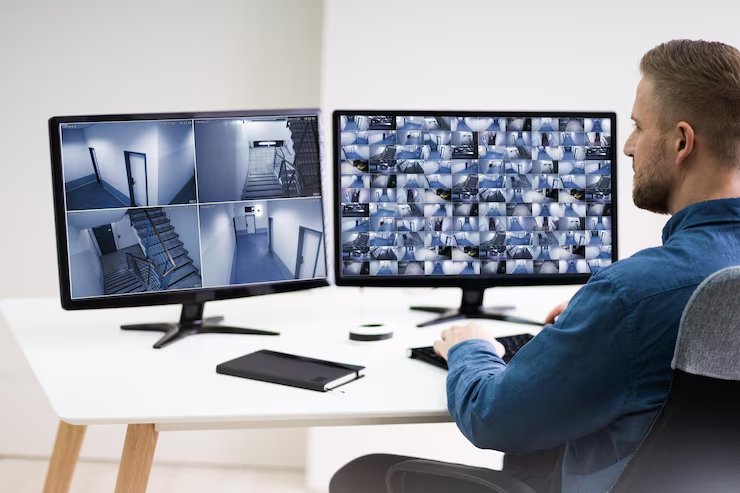
Screenshot Capture: Every 1 Hours
Our Screen Monitoring Solutions utilize advanced software that runs in the background of target devices, continuously capturing screenshots at specific intervals, tracking application usage, monitoring website visits, and recording user interactions including mouse clicks and keystrokes.
This comprehensive monitoring approach provides detailed visibility into how employees use company devices, ensuring productivity optimization, security compliance, and proper resource utilization across your organization.
Our screen monitoring software integrates seamlessly with existing IT infrastructure, providing centralized dashboard access for managers and administrators to review activity reports, analyze productivity patterns, and identify potential security risks or policy violations.
Our screen monitoring services cater to various organizational needs, providing specialized solutions for employee management, security monitoring, and productivity optimization across different industries.
Companies use our screen monitoring solutions to track employee work performance, measure productivity levels, and ensure efficient use of work hours during remote and office-based work environments.
Parents utilize our monitoring tools to track their children’s online activities, ensure safe internet usage, and protect against inappropriate content or cyberbullying across all connected devices.
IT and security teams deploy our monitoring software to detect suspicious activities, prevent data breaches, ensure compliance with company policies, and maintain cybersecurity across organizational devices.
Yes, screen monitoring is completely legal and ethical when implemented with proper consent and transparency. In workplace environments, companies must inform employees about monitoring policies. For parental control, parents have the legal right to monitor their minor children's device usage. We ensure all our monitoring solutions comply with local privacy laws and regulations.
Our screen monitoring software supports Windows computers, Mac laptops, Android smartphones, iPhones, and tablets. The software is compatible with most operating systems and can monitor multiple devices from a single centralized dashboard, making it ideal for organizations with diverse device environments.
Our monitoring software is designed to run efficiently in the background with minimal system resource usage. It typically uses less than 1-2% of CPU and RAM, ensuring normal device performance. The software operates silently without popup notifications or visible interfaces that could disrupt user workflow.
Our monitoring software can operate in transparent or stealth mode depending on organizational requirements. In workplace settings, we recommend transparent monitoring with employee notification to maintain trust and compliance. The software appears in system processes but doesn't display visible interfaces during normal operation.
We provide comprehensive reports including daily/weekly/monthly productivity summaries, application usage analytics, website visit logs, time tracking reports, security incident alerts, and customizable dashboards. All reports include visual charts, detailed timestamps, and actionable insights for management decision-making.
All monitored data is encrypted during transmission and storage using enterprise-grade security protocols. We implement role-based access controls, secure cloud storage, regular security audits, and comply with data protection regulations including GDPR and CCPA to ensure maximum data security and privacy protection.